> For the complete documentation index, see [llms.txt](https://document.vidau.ai/vidauai-api/llms.txt). Markdown versions of documentation pages are available by appending `.md` to page URLs; this page is available as [Markdown](https://document.vidau.ai/vidauai-api/api-documentation/openapi.md).
# AI Avatar API
API that converts text or audio files to vivid videos of people speaking.
### Introduction
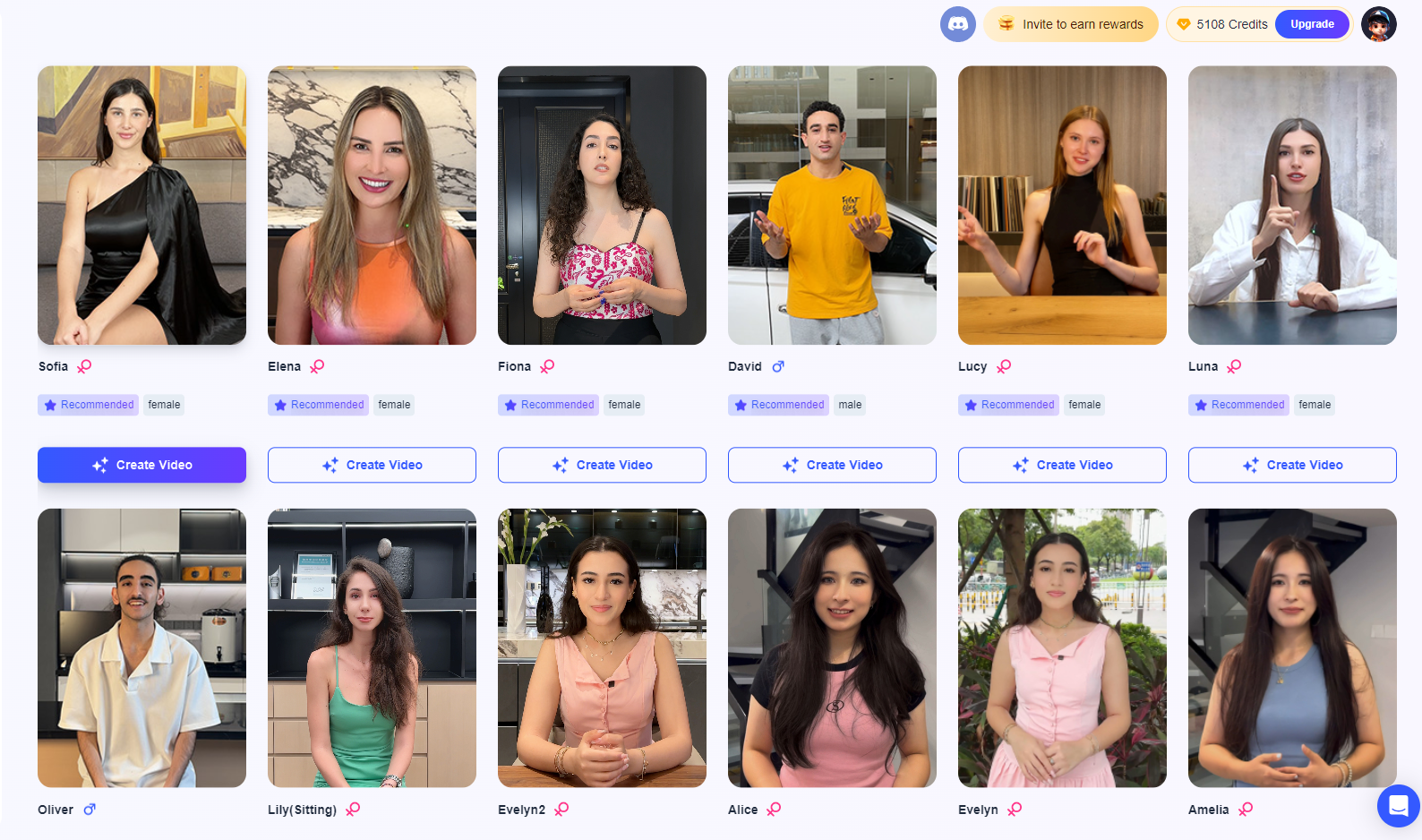
Our AI model produces high-quality videos of people speaking from text or audio files. The API is designed to be simple and easy to use. You can use the API to create videos of people speaking from text or audio files.
## Quickstart
### Prerequiste
* You need a [vidau.ai](https://document.vidau.ai/vidauai-api/api-documentation/www.vidau.ai) account with API access.
* You need to go through the [Get your API key](/vidauai-api/getting-started/quickstart/authentication.md)
* You need to add the token and x-auth-key to the request, see [Authentication ](/vidauai-api/getting-started/quickstart/authentication.md)for details